LGTMeow MCP Server
LGTMeow provides a remote MCP (Model Context Protocol) server. With MCP, you can easily call cat LGTM images from AI agents.
Use cases:
- AI automatically inserts LGTM images based on review results
- Request "Please give me an LGTM image" and receive Markdown
Available Tools
get_random_lgtm_images
Returns a list of randomly selected LGTM images.
Response Format: application/json
Response Example:
{"lgtmImages": [{"id": "1","url": "https://lgtm-images.lgtmeow.com/2021/03/16/23/5947f291-a46e-453c-a230-0d756d7174cb.webp"},{"id": "2","url": "https://lgtm-images.lgtmeow.com/2021/03/16/23/6947f291-a46e-453c-a230-0d756d7174cb.webp"}]}
get_recently_created_lgtm_images
Returns a list of recently created LGTM images.
Response Format: application/json
Response Example:
{"lgtmImages": [{"id": "1","url": "https://lgtm-images.lgtmeow.com/2021/03/16/23/5947f291-a46e-453c-a230-0d756d7174cb.webp"},{"id": "2","url": "https://lgtm-images.lgtmeow.com/2021/03/16/23/6947f291-a46e-453c-a230-0d756d7174cb.webp"}]}
get_random_lgtm_markdown
Returns one LGTM image in Markdown format. You can paste it directly into PR comments.
Response Format: application/json
Response Example:
{"markdown": "[](https://lgtmeow.com)"}
MCP Client Configuration
LGTMeow MCP Server only supports remote (SSE) mode.
【Authentication】
No authentication required. No API key or token configuration is needed.
【Server URL】
https://api.lgtmeow.com/sse
Depending on whether your MCP client directly supports SSE, use one of the following 3 patterns.
1. For clients that directly support SSE
{"mcpServers": {"lgtmeow": {"type": "sse","url": "https://api.lgtmeow.com/sse"}}}
2. For Node environment / using mcp-remote
If your client doesn't directly support SSE, you can use mcp-remote to bridge SSE → stdio.
{"mcpServers": {"lgtmeow": {"command": "npx","args": ["mcp-remote", "https://api.lgtmeow.com/sse"]}}}
If npx is not found, please verify that Node.js is installed and PATH is configured. Specify the full path to npx if needed.
3. For Python / uvx + mcp-proxy
This is an SSE → stdio bridge for Python users.
{"mcpServers": {"lgtmeow": {"command": "uvx","args": ["mcp-proxy","https://api.lgtmeow.com/sse"]}}}
If uvx is not found, please verify installation and PATH. Specify the full path to uvx if needed.
GitHub Actions Integration
Using Claude Code Action
This is a workflow example where Claude Code performs a review when a PR is created or updated, and if it determines the PR is mergeable, it automatically fetches an LGTM image from LGTMeow MCP Server and posts a comment.
Folder Structure
.github
├── mcp-servers.json              # LGTMeow MCP Server configuration
└── workflows
└── claude-auto-review.yml # GitHub Actions for auto PR reviewMCP Server Configuration (.github/mcp-servers.json)
{"mcpServers": {"lgtmeow": {"type": "sse","url": "https://api.lgtmeow.com/sse"}}}
GitHub Actions Workflow
name: Claude Code Auto Review on PR Open

on:
  pull_request:
    types: [opened, synchronize]

jobs:
  claude-auto-review:
    runs-on: ubuntu-latest
    concurrency:
      group: ${{ github.workflow }}-${{ github.event.pull_request.number }}
      cancel-in-progress: false
    permissions:
      contents: write
      pull-requests: write
      issues: write
      id-token: write

    steps:
      - name: Checkout repository
        uses: actions/checkout@v6
        with:
          fetch-depth: 0
          token: ${{ secrets.GITHUB_TOKEN }}

      - name: Run Claude Code
        uses: anthropics/claude-code-action@v1
        with:
          anthropic_api_key: ${{ secrets.ANTHROPIC_API_KEY }}
          prompt: |
            リポジトリ: ${{ github.repository }}
            PR番号: ${{ github.event.pull_request.number }}

            このPRの変更内容をレビューしてください。

            レビュー完了後、必ず mcp__github__add_issue_comment ツールを使用して、
            上記のPR番号にレビュー結果をコメントとして投稿してください。

            マージ可能と判断した場合は、
            mcp__lgtmeow__get_random_lgtm_markdown で LGTM画像を取得し、
            レビューコメントに含めてください。

            問題がある場合は、改善点を具体的に指摘してください。

          claude_args: |
            --mcp-config .github/mcp-servers.json
            --allowedTools "Bash(git diff),Read,LS,Glob,Grep,mcp__github__pull_request_read,mcp__github__get_pull_request,mcp__github__get_pull_request_files,mcp__github__get_pull_request_diff,mcp__github__add_issue_comment,mcp__github__get_issue,mcp__lgtmeow__get_random_lgtm_markdown"

        env:
          GITHUB_TOKEN: ${{ secrets.GITHUB_TOKEN }}
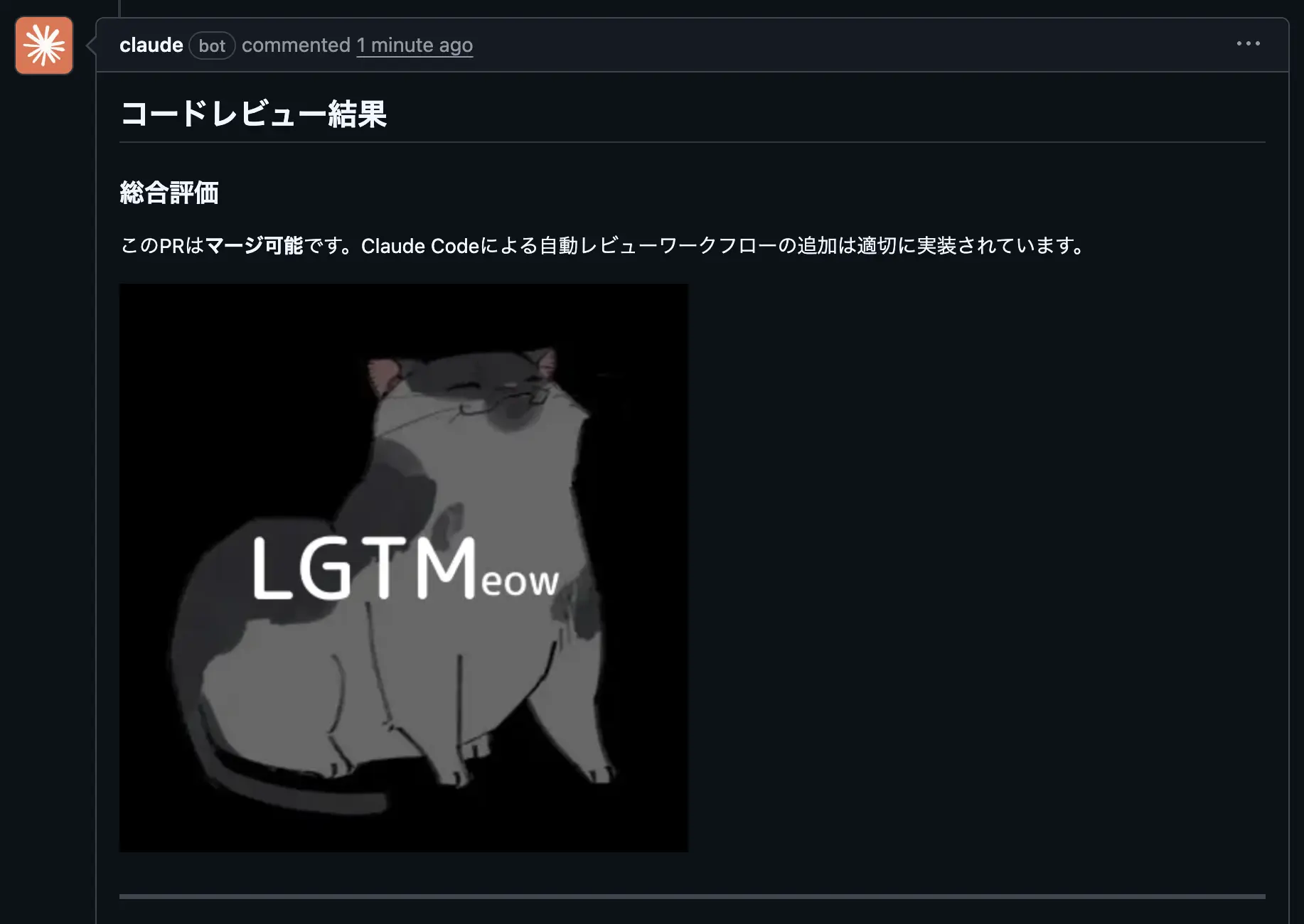
Output Example
When determined as mergeable, Claude Code automatically posts a comment to the PR containing a Markdown-formatted LGTM image retrieved from LGTMeow MCP Server.
Using Codex Action
This is a workflow example where Codex Action performs a review when a PR is created or updated, and if it determines the PR is mergeable, it automatically fetches an LGTM image from LGTMeow MCP Server and posts a comment.
Folder Structure
Codex Action can specify MCP server configuration directly via codex-args, so .github/mcp-servers.json is not needed.
.github
└── workflows
└── codex-auto-review.yml # GitHub Actions for auto PR reviewGitHub Actions Workflow
name: Codex Auto Review on PR Open

on:
  pull_request:
    types: [opened, synchronize]

jobs:
  codex:
    runs-on: ubuntu-latest
    concurrency:
      group: ${{ github.workflow }}-${{ github.event.pull_request.number }}
      cancel-in-progress: false
    permissions:
      contents: read
    outputs:
      final_message: ${{ steps.run_codex.outputs.final-message }}

    steps:
      - name: Checkout repository
        uses: actions/checkout@v6
        with:
          ref: refs/pull/${{ github.event.pull_request.number }}/merge

      - name: Pre-fetch base and head refs for the PR
        run: |
          git fetch --no-tags origin \
            ${{ github.event.pull_request.base.ref }} \
            +refs/pull/${{ github.event.pull_request.number }}/head

      - name: Install mcp-proxy for SSE bridge
        run: pip install mcp-proxy

      - name: Run Codex
        id: run_codex
        uses: openai/codex-action@v1
        with:
          openai-api-key: ${{ secrets.OPENAI_API_KEY }}
          codex-args: |
            --config mcp_servers={"lgtmeow"={"command"="mcp-proxy","args"=["https://api.lgtmeow.com/sse"]}}
          prompt: |
            リポジトリ: ${{ github.repository }}
            PR番号: ${{ github.event.pull_request.number }}

            このPRの変更内容をレビューしてください。

            マージ可能な品質と判断した場合は、lgtmeow MCPサーバーの get_random_lgtm_markdown でLGTM画像を取得し、レビュー結果に含めてください。
            問題がある場合は、改善点を具体的に指摘してください。

            PRタイトルと本文:
            ----
            ${{ github.event.pull_request.title }}
            ${{ github.event.pull_request.body }}

  post_feedback:
    runs-on: ubuntu-latest
    needs: codex
    if: needs.codex.outputs.final_message != ''
    permissions:
      issues: write
      pull-requests: write

    steps:
      - name: Post review comment to PR
        uses: actions/github-script@v7
        env:
          CODEX_FINAL_MESSAGE: ${{ needs.codex.outputs.final_message }}
        with:
          github-token: ${{ github.token }}
          script: |
            await github.rest.issues.createComment({
              owner: context.repo.owner,
              repo: context.repo.repo,
              issue_number: context.payload.pull_request.number,
              body: process.env.CODEX_FINAL_MESSAGE,
            });
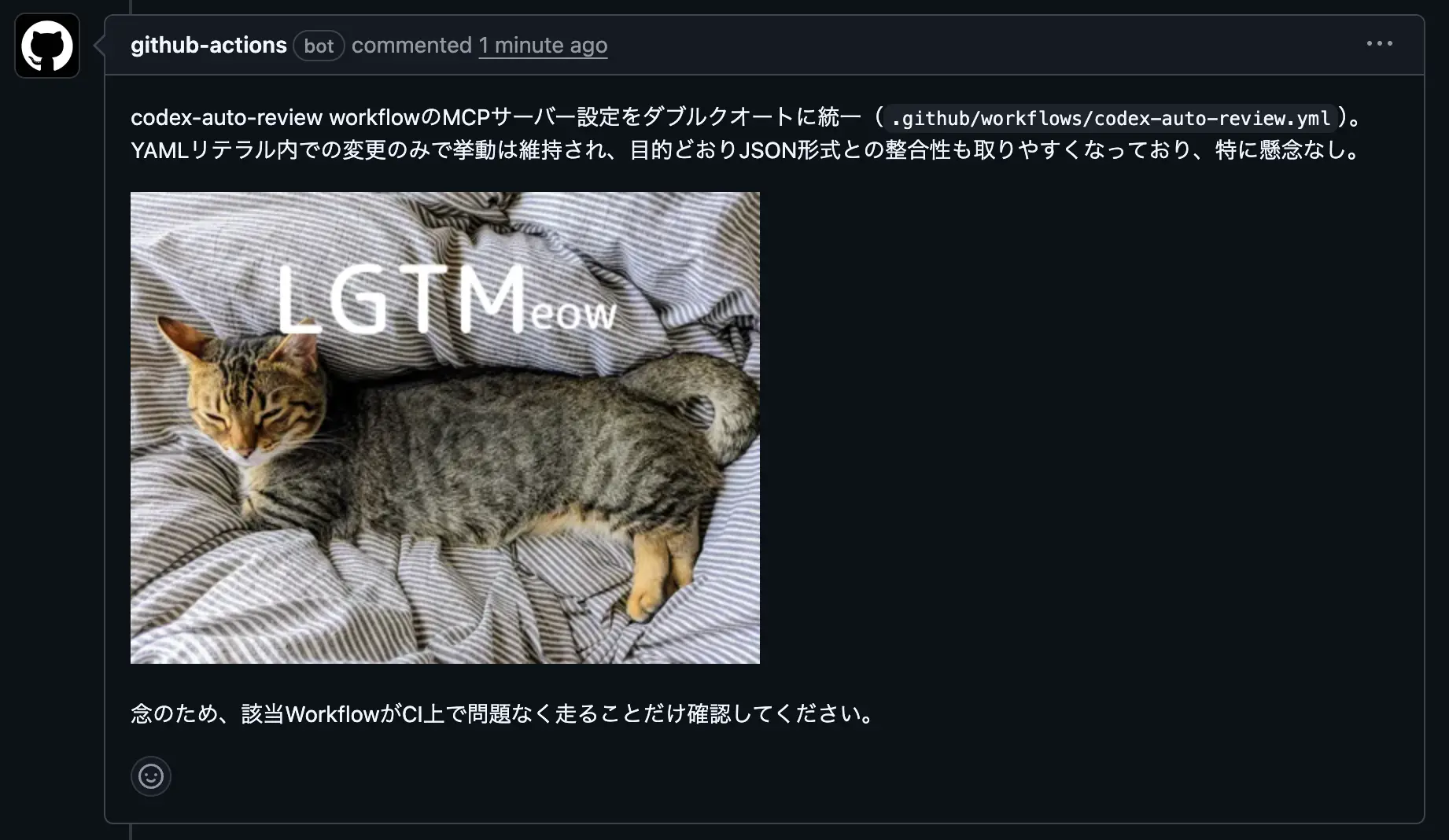
Output Example
When determined as mergeable, Codex Action automatically posts a comment to the PR containing a Markdown-formatted LGTM image retrieved from LGTMeow MCP Server.